

Download 3D Text Commander – Create Stunning 3D Fonts & Logos Fast
Overview
3D Text Commander, developed by Insofta, is a lightweight yet powerful design tool that specializes in turning ordinary text into eye‑catching three‑dimensional fonts and logos. Though offered as a trial version, the software packs a surprising amount of functionality for anyone working in graphic design, advertising, or even casual hobby projects. Since its introduction in 2011, the program has amassed more than 10,000 downloads across regions such as India, the United Kingdom, and the United States, proving that a compact installer can still deliver professional‑grade results.
The latest public build, version 2.0, was refreshed on June 20 2011 and runs on legacy Windows platforms—including Windows 95 and earlier—making it an interesting choice for users who need to maintain older workstations. Multilingual support for English, Spanish, and German further widens its appeal. Whether you’re a seasoned designer looking for a quick way to prototype 3D text, or a small‑business owner who wants a cost‑effective method to generate branding assets, 3D Text Commander offers a secure, straightforward environment that requires no steep learning curve.
Its focus on speed, minimal system footprint, and a rich set of visual effects positions it as a niche but valuable addition to the toolbox of any creative professional.
Key Features of 3D Text Commander
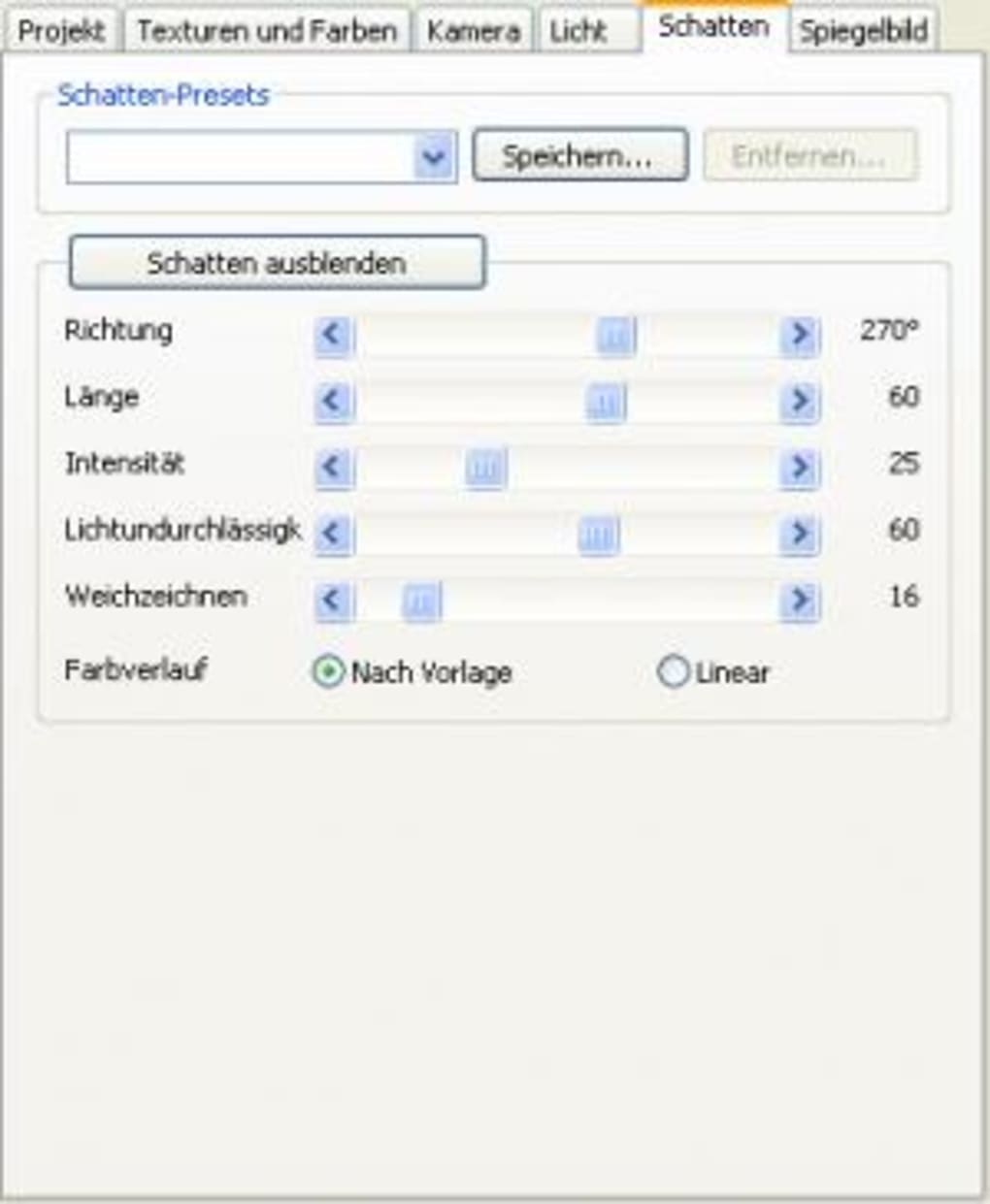
- Extensive 3D Effect Library: Over 30 pre‑built extrusion styles, bevels, and shadow presets let you transform flat text into realistic three‑dimensional objects with a single click.
- Customizable Lighting & Materials: Adjust ambient, diffuse, and specular lighting, or apply metal, glass, or matte material finishes to match your brand’s aesthetic.
- Dynamic Text Editing: Real‑time preview while you change font, size, color, and spacing, ensuring the final output looks exactly how you imagined.
- Export Options: Save your creations as high‑resolution PNG, JPEG, BMP, or as vector‑compatible SVG files for seamless integration into larger design projects.
- Layer‑Based Composition: Combine multiple text objects, each with its own 3D settings, to build complex logos or typographic illustrations.
- Batch Processing: Automate the generation of multiple text variations, a time‑saver for marketing teams producing localized assets.
- Low System Requirements: The installer occupies less than 10 MB, and the program runs comfortably on computers with as little as 256 MB RAM.
- Multilingual Interface: Fully translated menus and help files in English, Spanish, and German, reducing language barriers for international users.
- Trial‑Only Restrictions: While the free version limits the number of saved projects, it still offers the full range of effects, allowing you to evaluate the software before purchasing the full license.
Installation, Usage Instructions & Compatibility
Step‑by‑Step Installation
- Download the installer from the official Insofta website or a trusted software repository.
- Run the
3DTextCommander_setup.exefile. The wizard will guide you through a standard installation process—accept the license agreement, choose the destination folder (default isC:\Program Files\3D Text Commander), and click Install. - When installation completes, launch the application via the desktop shortcut or the Start menu.
- Upon first launch, you’ll be greeted with a brief tutorial that demonstrates how to select a font, apply a 3D effect, and export the result.
Getting Started with Your First 3D Text
- Click the New Project button and type the desired text in the input field.
- Choose a font from the dropdown list or browse your system fonts.
- Select an effect from the left‑hand panel; the preview window updates instantly.
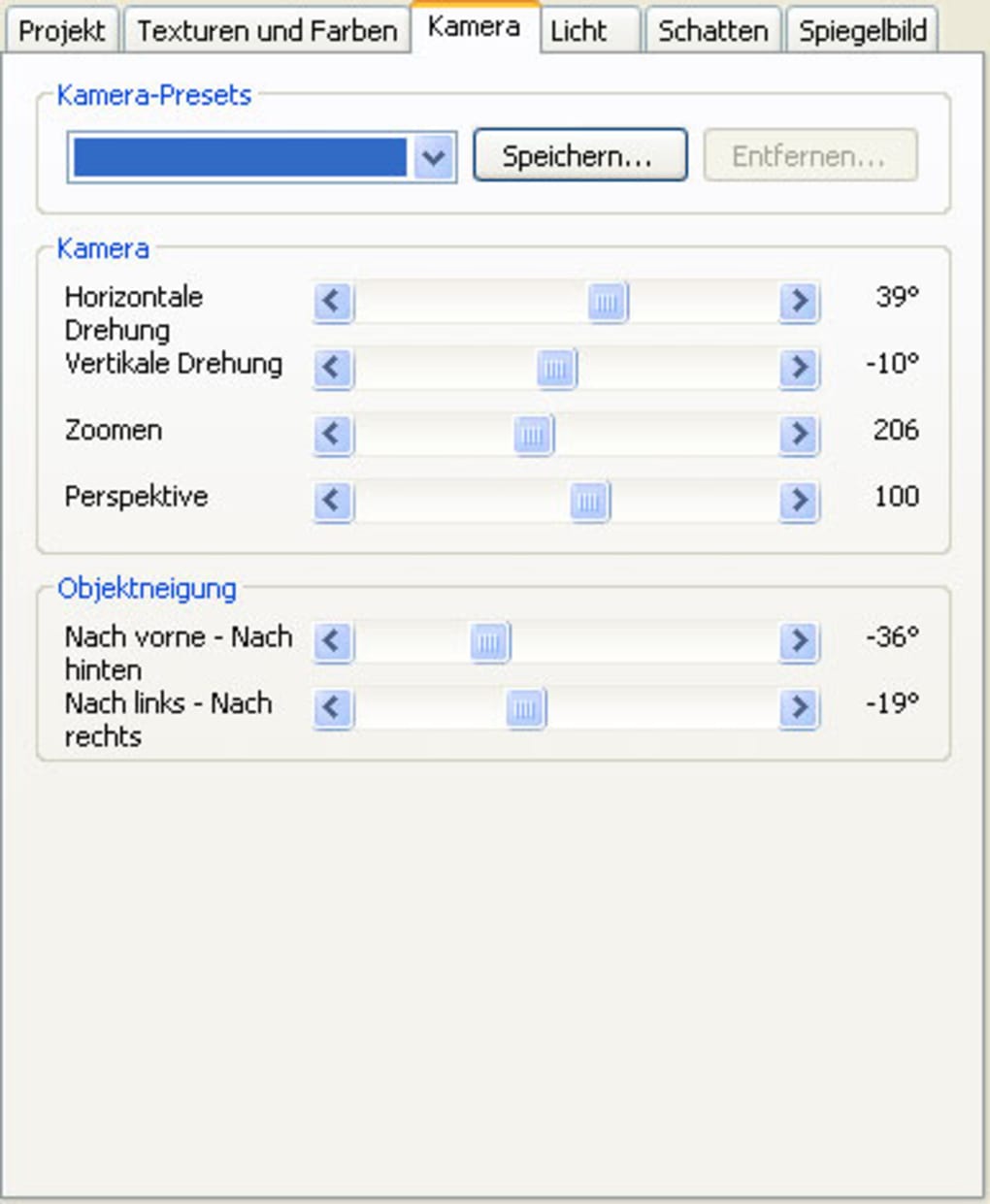
- Fine‑tune parameters such as depth, bevel size, and lighting angle using the sliders.
- When satisfied, hit Export, pick your file format, and specify the destination folder.
Compatibility
3D Text Commander is designed for legacy Windows environments. Officially supported on Windows 95, 98, ME, 2000, and XP, it also runs on newer versions (Windows 7/8/10) in compatibility mode, though some advanced graphics features may be limited by older DirectX libraries. Because the software does not rely on .NET or Java, it avoids the need for additional runtime installations, making it especially useful for machines that are locked down in corporate settings.
Frequently Asked Questions
Can I use 3D Text Commander on a Mac?
No. The current version is built exclusively for Windows operating systems. Mac users would need to run a Windows virtual machine or use Boot Camp to access the software.
Is the trial version limited in functionality?
The trial version provides full access to all 3D effects and export options but restricts the number of projects you can save simultaneously. Purchasing the full license removes this limitation.
What image resolutions can I export?
Exports can be saved at any resolution up to 5000 × 5000 pixels for raster formats, ensuring crisp results for both web and print use.
Does the software support batch processing?
Yes. The batch processor lets you import a CSV list of text strings and automatically apply a predefined 3D style to each entry, dramatically speeding up large‑scale branding projects.
Is there a way to update the program after the 2011 release?
Updates are rare because the core engine is stable, but Insofta occasionally releases minor patches for compatibility with newer Windows updates. You can check the “Check for Updates” menu within the application.
Pros, Cons and Final Verdict – Should You Download 3D Text Commander?
Pros
- Extremely low system footprint – ideal for older PCs.
- Rich library of 3D effects without requiring additional plugins.
- Real‑time preview speeds up the design workflow.
- Supports multiple export formats, including vector SVG.
- Multilingual UI makes it accessible to non‑English speakers.
- Batch processing feature saves time on large projects.
Cons
- Only compatible with Windows; no native macOS or Linux version.
- Trial version limits saved projects, which may be frustrating for heavy users.
- Interface feels dated compared to modern 2020‑era design tools.
- No built‑in animation capabilities – limited to static images.
- Last official update was in 2011, raising concerns about long‑term support.
Overall, 3D Text Commander punches well above its weight class. Its focused feature set, combined with an ultra‑light installer, makes it an excellent choice for designers who need a quick, reliable way to generate 3D text without investing in heavyweight 3D modeling suites. While the lack of recent updates and the Windows‑only restriction could deter some, the software’s stability and ease of use keep it relevant for niche applications such as legacy system branding, educational demonstrations, and rapid prototyping. If you’re looking for a secure, free‑to‑try tool that delivers professional‑looking 3D typography with minimal learning curve, the trial version is definitely worth downloading. Should the limited project count become an obstacle, the affordable full license removes that barrier and unlocks unlimited creative potential.
Ready to elevate your text? Click the download button below to get the trial version instantly. Experience the power of 3D Text Commander and decide if the full license fits your workflow. Transform ordinary words into captivating 3D visuals today!







